AI image prompt library
One style,
a thousand images.
191 ready-to-use visual styles for ChatGPT, Gemini (Nano Banana), Midjourney and other AI image tools. Choose a style, fill in your details, then copy the prompt.
- 191styles
- 6categories
- 614example images
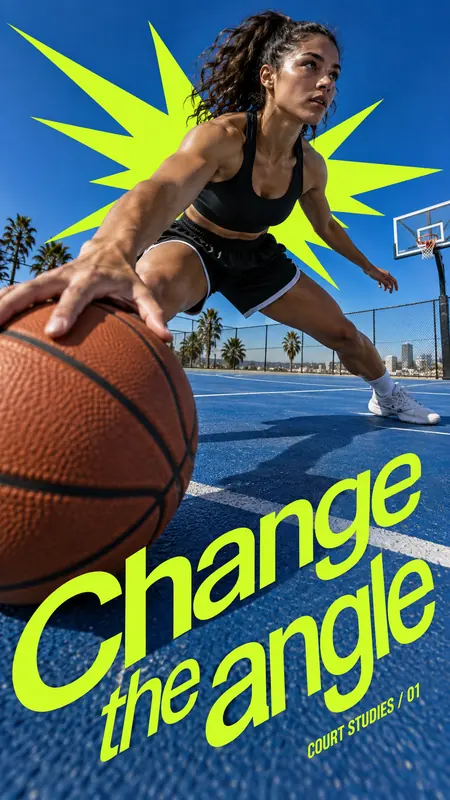
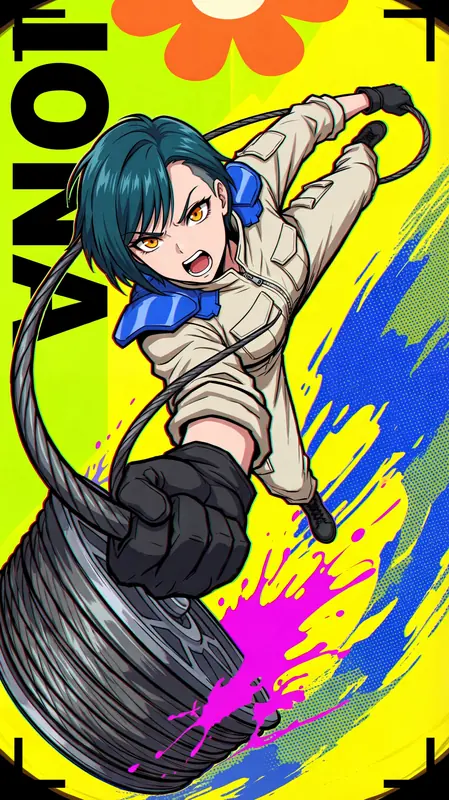
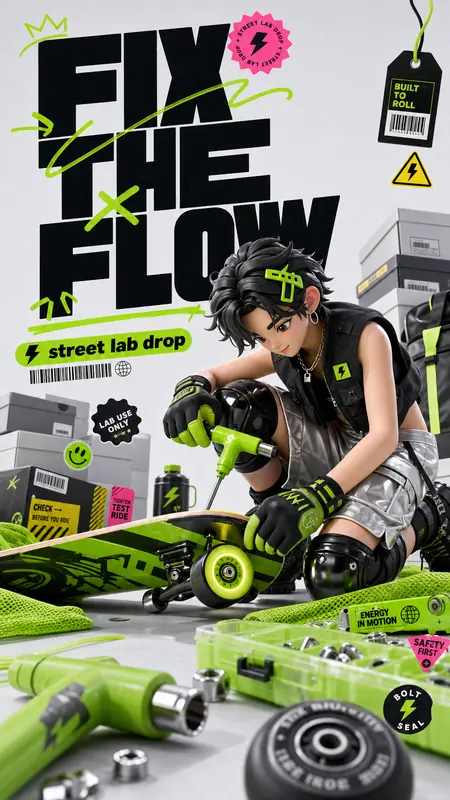

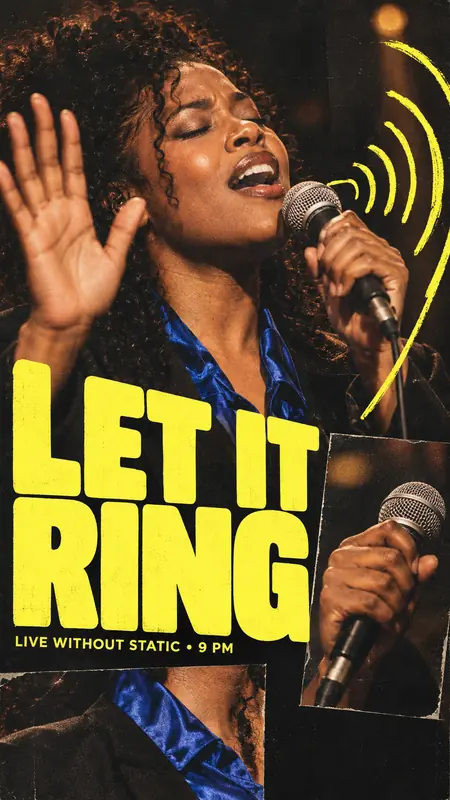
Style of the day
Try this styleHow it works
Four steps, two minutes.
- 1Choose a style
Browse the gallery or filter by keyword, tag and colour.
- 2Add your details
Type your subject, text and location into the prompt builder.
- 3Copy the prompt
One click. A complete prompt, style rules included.
- 4Paste and generate
Paste it into your preferred AI image tool, then refine the result.
Popular this week
Most used by visitors over the last 7 days.
Recently copied
Saved only in this browser. Nothing is sent anywhere.
Gallery
Every style, one place.
Updated 20 Nov 2026
You are at the end of the page already.
No styles match. Try a different keyword or colour.
FAQ
Frequently asked.
Why are the prompts in English?
Image models understand English prompts most accurately. The text you want shown on the image can still be typed in any language in the “Main text” field.
Can I generate images directly on this site?
Not yet. This site prepares a complete prompt for you to paste into an AI image tool such as ChatGPT or Gemini.
Can I use the results commercially?
That depends on the terms of the tool you use to generate the image. Avoid imitating real logos, brands or individuals.
Why am I asked to follow on TikTok?
Every few copies we invite you to follow @sieureastofficial on TikTok for more tips and new styles. It is optional: you can keep copying either way, and if you follow, we will not ask again.
Is the site kept up to date?
Yes. New styles are added automatically, marked “New” and sortable by “Newest”.
Are there keyboard shortcuts?
Ctrl + K or / opens quick search. On a style page, ← → switch between example images and clicking an image opens it full screen.